KDP, Etsy & Canva Mockups: Your Creative Side Hustle Hub
Picture this: you sketch a single mandala, import it into a clean template, and within a day it is available for purchase on Amazon or Etsy. That is the reality of today’s digital product ecosystem. But the real magic is not just speed. It is the flexibility this stack offers to people with completely different goals. A parent looking for a low-stress side hustle, a seasoned illustrator wanting to monetize a niche portfolio, or an educator building a course on passive income can all use the same tools in vastly different ways. Understanding how KDP, Etsy, Canva, and mockups fit together is the first step.
What This Ecosystem Actually Means for You
At its core, we are talking about a specific workflow for selling coloring books and related printables. Each piece serves a distinct purpose, and how you prioritize them depends entirely on your personal objectives.
KDP: The Amazon Publishing Engine
Kindle Direct Publishing lets you upload a print-ready PDF and sell it as a paperback on Amazon. For many, this is the holy grail of passive income. Your book sits alongside millions of others, and Amazon handles fulfillment. The catch is competition. Success on KDP demands a polished cover, a strong interior, and a compelling listing that converts casual browsers into buyers. Mockups play a huge role here because how your book appears to a shopper is often what determines whether they look twice.
Etsy: The Creative Marketplace
Etsy offers a different path. Here, you can sell digital files that customers download and print themselves. This is perfect for coloring enthusiasts who want instant access. You can also sell physical books through print-on-demand services integrated with Etsy. The audience on Etsy tends to value uniqueness and personalization. A mockup that shows your coloring pages in a cozy, real-life setting resonates strongly with this crowd.
Canva: The Design Bridge
Canva is what makes this entire workflow accessible. It levels the playing field. You do not need years of design experience to create a beautiful book interior or a marketing image. For beginners, it removes the intimidation factor. For experienced creators, it provides speed. You can build a brand kit, design a 100-page coloring book, and create a set of lifestyle mockups all within the same browser tab. It is the engine that connects the idea to the marketplace.
Mockups: The Sales Storyteller
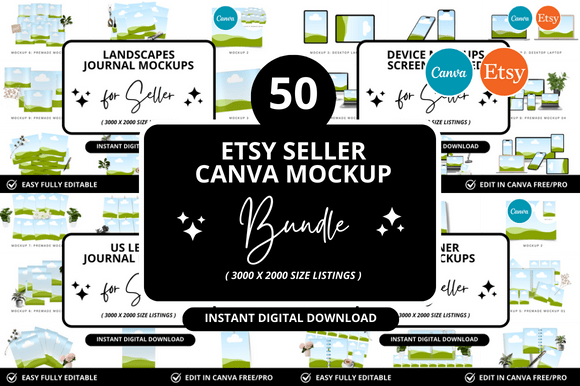
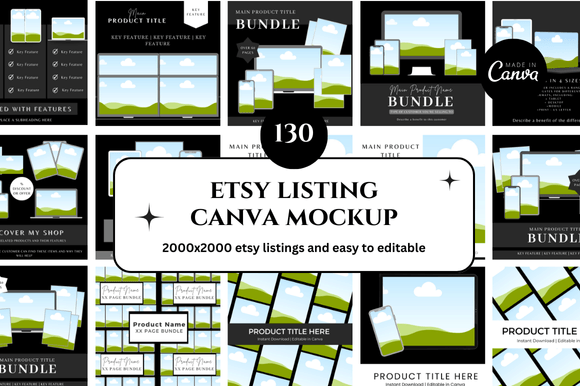
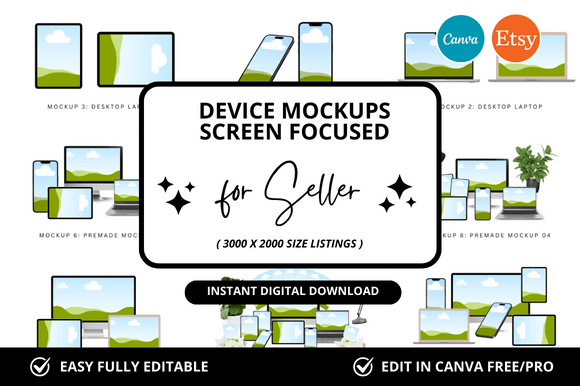
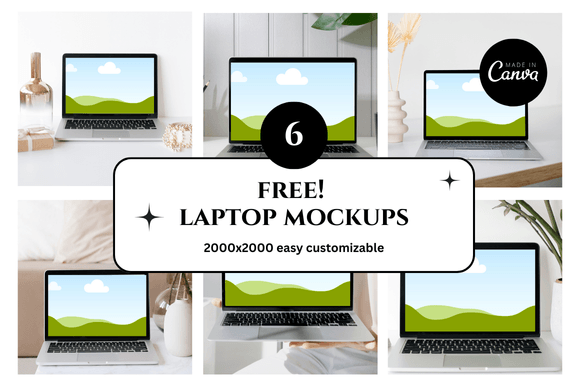
A mockup is simply a realistic representation of your product. It answers the most important question a buyer has: "What will I actually get?" A flat digital file is abstract. A mockup showing that file held in a hand, placed on a coffee table, or displayed on a tablet is concrete. It builds trust and desire. For the KDP seller, it is the cover image. For the Etsy seller, it is the first listing photo. Mastering mockups is often what separates a listing that sells from one that sits idle.
Matching the Workflow to Your Goals and Skill Level
The tools are the same, but your priorities will shift based on who you are and what you want to achieve. Below are three common lenses through which people approach this ecosystem.
If Ease of Use and Low Cost Are Your Priority
This perspective fits the absolute beginner, the hobbyist testing the waters, or anyone who values time over perfection. Your main concern is getting started without a financial investment or a steep learning curve.
- Your focus: Canva templates. You do not need to design from scratch. Hundreds of ready-made coloring book interiors and cover layouts exist. You simply customize and export.
- Your marketplace: Etsy is the most forgiving starting point. You can upload a single PDF coloring page and test whether people are interested before committing to a full 100-page book.
- Your mockup strategy: Use Canva’s free mockup generator or its built-in photo effects. A simple shadow on a textured background can be enough to communicate value.
- Practical example: A teacher creates a single set of five seasonal coloring pages. She designs them in Canva using free elements, creates a flat mockup in Canva, and lists them on Etsy for $3. Her goal is not a full-time income. It is to see if her designs resonate with other educators. The low risk allows her to be playful.
If Commercial Value and Quality Drive You
This is the lens of the experienced publisher, the small business owner, or the entrepreneur scaling their product line. You are less concerned with technical simplicity and more concerned with return on investment, differentiation, and long-term scalability.
- Your focus: Niche research and original assets. You know that a generic mandala book will drown. You invest time in finding underserved niches and creating or commissioning unique artwork.
- Your marketplace: KDP is your primary channel for volume. You understand print requirements like bleed, trim size, and color format. You also explore Amazon Ads to drive traffic.
- Your mockup strategy: You treat the cover as a landing page. A low-quality mockup hurts conversion. You might use Canva for A+ content or social media teasers, but you may invest in premium mockup scenes or create custom ones in more advanced tools. You test different mockup styles to see which ones click with your target audience.
- Practical example: A small publishing team focuses on “swear word” coloring books for adults. They use Canva for rapid interior layout but hire a designer for the cover mockup to ensure it looks professional at a small thumbnail size on Amazon. They prioritize a strong ISBN and a flawless interior file to avoid returns.
If Creativity and Learning Value Matter Most
Designers, educators, and content creators often evaluate this workflow through a third lens. The commercial aspect is secondary. The primary value lies in the creative process, the teaching opportunity, or the ability to express an artistic vision.
- Your focus: Originality. You are not just combining Canva elements. You are illustrating your own pages, developing a cohesive aesthetic, or using the project to build a portfolio.
- Your marketplace: You might treat Etsy as a portfolio storefront. You may also use KDP to create high-quality, print-on-demand art books that double as a business card.
- Your mockup strategy: You look at mockups as a design challenge. How can you stage the product in a way that tells a story? You enjoy crafting the scene as much as designing the book itself. You might create tutorials showing others how to build realistic shadows and highlights in Canva.
- Practical example: A graphic designer teaches a Skillshare class on digital product creation. She shows her students exactly how to build a coloring book from scratch in Canva, create a compelling mockup, and understand the licensing for Canva Pro elements. Her success is measured by student engagement and the quality of their projects, not just her own sales.
Why Mockups Are a Universal Priority
Regardless of which lens you view this through, one truth stands out: presentation is non-negotiable. A well-made mockup signals that you care about your product. It hints at the quality of the interior. A poor mockup, even for a brilliant coloring book, can kill a sale instantly.
Canva simplifies this dramatically. You can take a blank scene, drag in your coloring page, and apply filters to make it look like a real paperback or a print sitting on a table. For the KDP seller, this is your book cover. For the Etsy seller, this is your primary image and your variety shots. Investing time in learning how to create consistent, attractive mockups pays dividends for both marketplaces.
Practical Steps for Your Own Journey
Before you open Canva or log into KDP, take a moment to identify your primary driver. Ask yourself what a successful outcome looks like. Is it a steady paycheck from Amazon royalties? Is it the joy of seeing your art in a finished format? Is it proving to yourself that you can learn a new digital skill?
- For the income seeker: Start with niche research. Look for underserved themes on Etsy and Amazon. Then, use Canva to create a prototype and a mockup. Test your idea before committing to a full 100-page book.
- For the skill builder: Focus on the design process. Experiment with Canva’s gradients, shadows, and element library. Learn the technical requirements for KDP and Etsy. The knowledge you gain is transferable to other digital product types like planners or journals.
- For the creative purist: Use the stack to remove friction. Let Canva handle the layout so you can focus on drawing. Use mockups to present your work beautifully without needing photography skills.
The beautiful thing about this intersection of KDP, coloring pages, Etsy, Canva, and mockups is that it adapts to you. The tools do not dictate your path. They simply open the door. Your goals, your creativity, and your willingness to focus on what matters most for your specific situation will determine how far you go. Start small, learn the loop, and let your priority guide your next move. Whether that means designing a single page for Etsy or launching a series on Amazon, the only requirement is beginning.