Evaluating Laptop Etsy Canva Mockup for Your Digital Product Listings
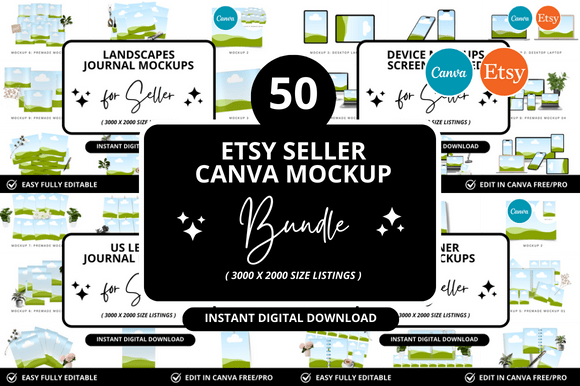
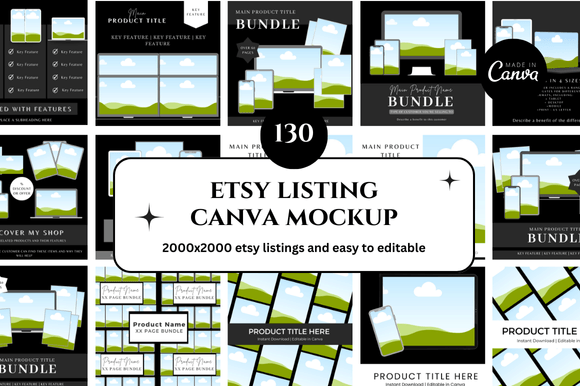
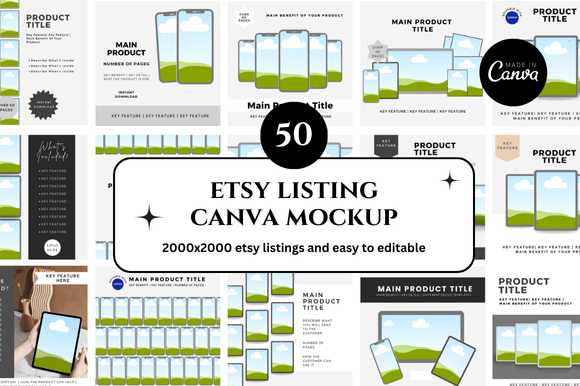
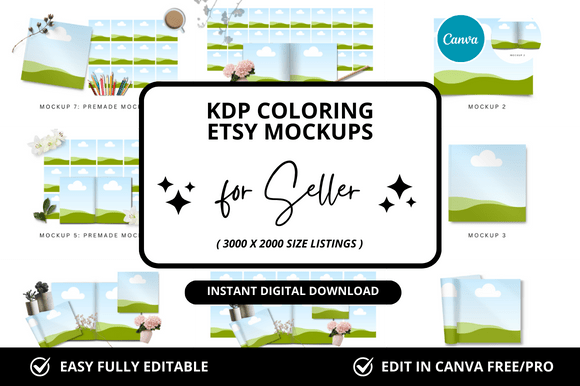
If you sell digital products on Etsy—such as planners, wall art, resume templates, or printable journals—you have likely encountered the term "laptop Etsy Canva mockup." It refers to a specific type of product image created using Canva’s design tools, where a digital item is displayed on a laptop screen within a realistic or styled scene. These mockups are used to show potential buyers what the product looks like in use, rather than as a flat file. This article evaluates whether investing time or money into this approach aligns with your shop goals, what tradeoffs exist, and when alternative methods may serve you better.
What Exactly Is a Laptop Etsy Canva Mockup?
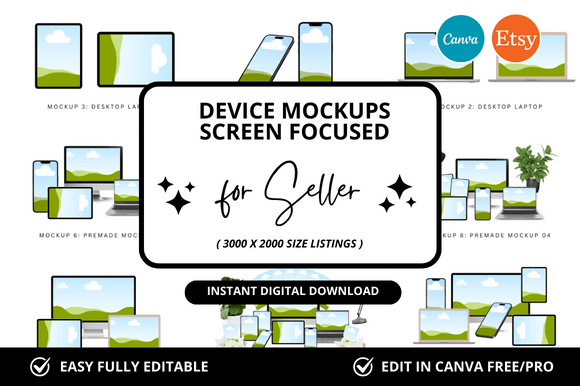
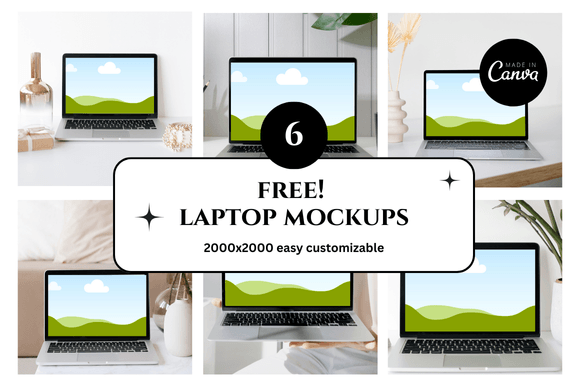
A laptop Etsy Canva mockup is a composite image that places your digital product—for example, a PDF planner or a digital art print—onto a laptop screen inside a pre-designed scene. The scene might include a desk, coffee cup, plants, or other lifestyle elements. Canva provides templates, drag-and-drop tools, and a library of stock photos that allow sellers to produce these mockups without advanced graphic design skills. The laptop element is central because it suggests the product is digital, downloadable, and ready for immediate use.
This type of mockup differs from a simple screenshot or a flat image of the product. It aims to create context and aspiration, helping buyers visualize how the item fits into their own routines or spaces. For many Etsy sellers, especially those in the digital goods space, the mockup becomes the primary visual asset in their listings.
Why Sellers Consider This Approach
There are several practical reasons why a seller might explore laptop Etsy Canva mockups. First, Etsy’s search algorithm and buyer behavior both favor listings with clear, attractive images. A well-composed mockup can improve click-through rates. Second, digital products are intangible at the point of sale—buyers cannot hold or test them. A mockup bridges that gap by showing the product in a believable context.
Third, Canva’s platform is widely accessible. You do not need a subscription to Adobe Photoshop or years of design experience. Many sellers already use Canva for other aspects of their business, such as social media graphics or product covers, so adding mockup creation to that workflow is a natural extension. Fourth, a consistent mockup style can become part of your brand identity, making your listings recognizable among similar shops.
Fifth, creating your own mockups in Canva gives you control over the scene. You can adjust colors, props, lighting, and angles to match your product’s aesthetic. This level of customization is harder to achieve with pre-made mockup templates from third-party sites, which often require specific software or have limited editing options.
Benefits of Using Canva for Laptop Mockups
One clear benefit is speed. Canva’s drag-and-drop interface allows you to produce a usable mockup in minutes once you have a template. If you sell multiple products, you can duplicate and modify existing mockups, maintaining a consistent look across your shop. This efficiency is valuable when you are launching a new collection or refreshing old listings.
Another benefit is cost. While Canva Pro is a paid subscription, many mockup templates within Canva are free or included in the Pro plan. Compared to hiring a photographer or purchasing mockup bundles from external marketplaces, the ongoing cost is relatively low. For sellers on a tight budget, this can make professional-looking images feasible.
Flexibility is another advantage. You can experiment with different backgrounds, laptop angles, and props without needing a photoshoot. If you want to test whether a bright, minimalist scene performs better than a warm, cozy one, you can create both versions in a single afternoon and compare their performance in your shop analytics.
Finally, Canva mockups are easy to update. If you redesign your product cover or change your branding colors, you can edit the existing mockup rather than starting from scratch. This keeps your visuals current without repeated overhead.
Tradeoffs and Limitations to Consider
Despite the advantages, there are tradeoffs you should weigh carefully. The most significant limitation is realism. A mockup created entirely within Canva can sometimes look generic or obviously staged. Savvy buyers may recognize common Canva templates, which can reduce the perceived value of your listing. If your product competes in a saturated niche, a mockup that feels templated may not differentiate you enough.
Another tradeoff is the learning curve for achieving a convincing result. While Canva is user-friendly, creating a mockup where the lighting, shadows, and perspective align requires some attention. A poorly executed mockup—for instance, one where the product image looks pasted onto the screen without proper scaling—can hurt credibility rather than help it.
You should also consider the time investment. Even with templates, producing a polished mockup for each listing can take thirty minutes or more. If you have a large catalog, this accumulates. Some sellers find that outsourcing mockup creation or using dedicated mockup generators becomes more efficient as they scale.
Additionally, Canva mockups are typically static images. They do not show interactivity, such as clicking through pages of a planner or scrolling through a digital guide. If your product benefits from demonstrating functionality, a static laptop mockup may not convey enough information. In that case, a short video or animated GIF might be a better complement.
When Laptop Etsy Canva Mockups Are a Strong Fit
This approach works well for sellers who are just starting out and need a low-cost way to produce multiple listing images quickly. If your budget for design tools and photography is near zero, Canva mockups provide a viable path to creating visually acceptable listings. They also suit sellers who sell products that look good on a screen—such as wall art, printable quotes, or simple planners—where the value is primarily visual rather than functional.
Another strong-fit scenario is when you sell products that are meant to be used on a laptop, such as digital planners, note-taking templates, or spreadsheet organizers. Showing the product on a laptop screen reinforces its purpose and helps buyers understand what they are purchasing. It also sets the expectation that the product is digital and will be accessed via a device.
Sellers who value brand consistency across a wide product line also benefit. Canva allows you to save brand colors, fonts, and logos, so every mockup reinforces the same visual identity. This cohesion can build trust with repeat customers who recognize your style in search results.
Finally, if you are testing product ideas or running limited-time offers, Canva mockups let you produce listing images quickly without committing significant resources. You can launch a new product, gauge interest, and iterate on the design without major upfront investment.
When Alternatives May Be Worth Considering
There are situations where a laptop Etsy Canva mockup may not be the best choice. If your product is complex or requires demonstration of features—such as a multi-tab spreadsheet, an interactive PDF with fillable fields, or a software tool—a static mockup alone may not suffice. In these cases, you might supplement with screen recordings, video walkthroughs, or annotated images that highlight specific functionality.
Another alternative worth considering is using real-life photography. If you have access to a decent camera and can stage a scene with an actual laptop, the result can be more authentic and distinctive. Real photos also eliminate the risk of looking templated. However, this requires time for setup, shooting, and editing, and it is less flexible for future changes.
Pre-made mockup templates from dedicated sites like Placeit, Smartmockups, or Creative Market also serve as alternatives. These tools offer high-quality, realistic laptop scenes that you can customize by uploading your product image. They often produce more polished results than Canva’s built-in templates, especially if you need complex perspectives or realistic lighting. The tradeoff is that these services usually require a subscription or per-template fee, and customization options may be more limited.
Finally, you could consider hiring a freelance designer to create custom mockups. This is the most expensive option but yields unique, high-quality visuals that are tailored to your brand. It may be worthwhile if you are launching a flagship product or rebranding your entire shop.
Practical Decision-Making Insights
To decide whether laptop Etsy Canva mockups align with your needs, begin by evaluating your current listing performance. If your images are one of the main reasons buyers click or do not click, improving them should be a priority. Look at your shop analytics to see which listings have higher click-through rates and whether there is a pattern in the visual style.
Consider your product type. If your item is primarily visual and meant for display or simple use, a mockup is likely sufficient. If it is functional or interactive, plan to add supplementary media that demonstrates its features. You can combine a laptop mockup as the primary image with a video or second image showing the product in use.
Budget also plays a role. If you have little to no budget for design, start with Canva mockups. They are a practical baseline. If you have some budget but not enough for a designer, consider a dedicated mockup tool that offers higher realism. Over time, as revenue grows, reinvest into more unique visuals.
Test and iterate. Create a few variation mockups—different laptop angles, backgrounds, or prop arrangements—and run them in your listings for a few weeks. Compare performance. You do not need to commit to one style permanently. Data from your own shop will tell you what resonates with your audience better than any general advice.
Finally, consider the time tradeoff. If you sell ten products and update them quarterly, the time spent creating mockups in Canva may be reasonable. If you sell a hundred products and launch new ones weekly, you will likely need a more efficient workflow. Automation, batch creation, or outsourcing may become necessary to maintain consistency without burning out.
Aligning the Choice with Your Goals
Ultimately, the question is not whether laptop Etsy Canva mockups are good or bad in general. It is whether they are good for your specific situation. If your priority is to get started quickly, keep costs low, and produce acceptable visuals, Canva mockups are a practical solution. If your priority is to stand out in a competitive niche, convey product functionality, or build a premium brand, you may need to invest in more sophisticated or authentic imagery.
Many successful Etsy sellers use a hybrid approach. They rely on Canva mockups for most of their catalog and invest in higher-quality visuals for their best-selling or flagship products. This balance allows them to manage costs while still offering standout images where it matters most.
By understanding what each approach offers and where its limitations lie, you can make an informed decision that supports your shop’s growth without overcommitting resources. The goal is not perfection in every image, but rather consistent, clear, and trustworthy visuals that help buyers feel confident in their purchase.