A Practical Evaluation of the 58 Etsy Canva Mockup Bundle
When you sell digital or physical products on Etsy, presenting them well can mean the difference between a browse and a sale. Mockups help bridge that gap, letting customers see how an item looks in a real-world context. The 58 Etsy Canva Mockup bundle is one of many template collections marketed to sellers who want polished visuals without hiring a designer. But does a bundle like this deliver on its promise? This article evaluates the bundle from a practical standpoint, helping you decide whether it aligns with your shop's needs and your workflow preferences.
What Is the 58 Etsy Canva Mockup Bundle?
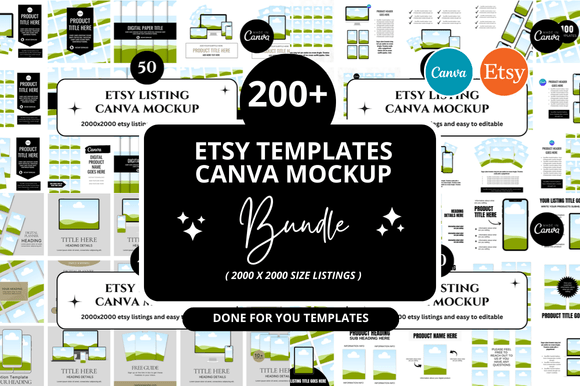
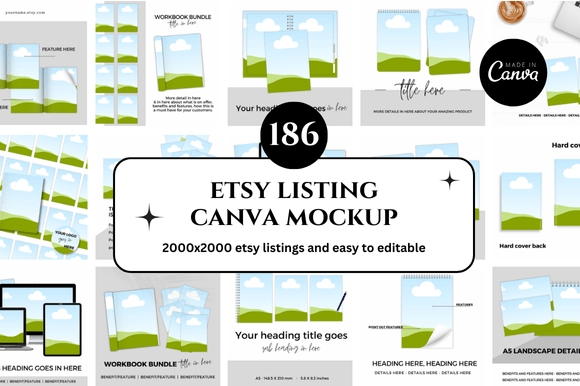
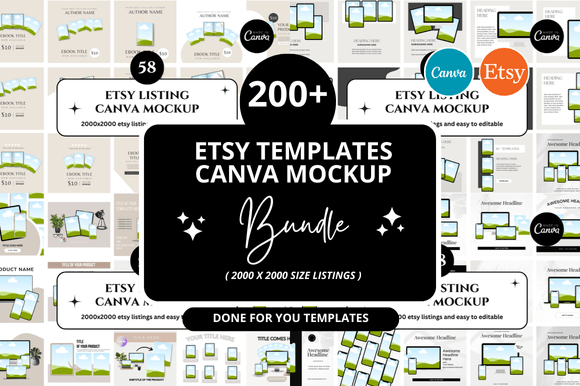
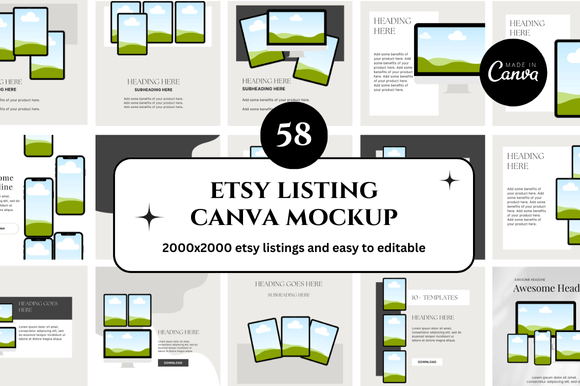
The 58 Etsy Canva Mockup bundle is a set of pre-designed mockup templates created specifically for use within Canva, the browser-based graphic design platform. As the name suggests, it includes 58 individual mockup files, each offering a different scene or presentation style. These templates typically feature placeholders where you can drop in your own product images—such as printables, wall art, apparel graphics, or digital planners—and adjust colors, text, or backgrounds to match your branding.
Because the templates live inside Canva, you do not need advanced software like Adobe Photoshop or Illustrator. Everything is edited through Canva’s drag-and-drop interface, which lowers the technical barrier for sellers who are new to design. The bundle is often sold as a digital download on Etsy itself or through third-party marketplaces, making it easy to acquire and start using immediately.
Why Sellers Are Drawn to This Type of Resource
Running an Etsy shop involves juggling multiple tasks: product creation, listing optimization, customer service, and marketing. Visual assets for social media, Etsy listing photos, and promotional graphics all require time to produce. A bundle like the 58 Etsy Canva Mockup appeals to sellers who want to streamline that part of their workflow.
Many sellers also recognize that consistent, high-quality imagery builds trust with buyers. Mockups provide context—showing a print framed on a wall, a T-shirt on a model, or a sticker on a laptop—which helps buyers imagine the product in their own lives. The appeal of a large bundle is variety: you can test different scenes for different products or seasons without starting from scratch each time.
Additionally, because Canva is free to use (with optional premium elements), the ongoing cost is low once you own the templates. This makes the bundle attractive to new sellers operating on a tight budget.
Key Benefits of Using Pre-Made Canva Mockups
Ease of use is the most obvious advantage. With a template from the 58 Etsy Canva Mockup collection, you simply open the file in Canva, replace the placeholder image with your own, and adjust any text or colors. You do not need to design a scene from scratch or learn complex masking techniques.
Time savings are significant. Designing a single mockup from scratch in Canva can take 20 to 40 minutes, depending on complexity. With a well-made template, that time drops to under five minutes. For sellers who need to produce multiple listing images and social media graphics each week, those savings add up quickly.
Consistency across listings is another benefit. Using templates from the same bundle ensures that your product photos share a similar look and feel. This visual coherence can make your shop appear more professional and curated, which may positively influence buyer perception and click-through rates.
Variety without extra work matters too. With 58 scenes, you can rotate between different backgrounds, angles, and compositions. This prevents your shop from looking repetitive, which is especially useful if you sell many similar products and want each listing to feel distinct.
Important Tradeoffs and Limitations
No resource is perfect, and the 58 Etsy Canva Mockup bundle has several considerations you should weigh before purchasing.
Template quality varies by creator. Not all bundles are built with the same attention to detail. Some may use low-resolution backgrounds, awkward cropping, or unrealistic lighting. Since "58 Etsy Canva Mockup" is a generic description used by multiple sellers, the actual quality depends entirely on the specific product you buy. Always check preview images, customer reviews, and whether the templates include editable elements versus flattened images.
Limited customization compared to professional software. Canva is powerful for its simplicity, but it does not offer the same depth of control as Photoshop or Affinity. If you need to adjust lighting, shadows, or perspective precisely, you may find templates restrictive. For example, a mockup that places your product on a table may not allow you to rotate the product or change the table texture easily.
Potential for overuse. Because these templates are sold to many sellers, the same scenes may appear across multiple Etsy shops. If you use a popular template without modifying the background or styling, a buyer who shops frequently on Etsy might recognize the scene. This can dilute your brand's uniqueness. To counter this, consider adding your own overlays, changing colors, or combining elements from different templates.
Canva's free tier limits. While Canva is free, some template elements—such as certain fonts, photos, or graphics—may require a Canva Pro subscription to use without watermarks. Before buying a bundle, confirm whether the templates rely on premium Canva assets. If they do, you will need to either subscribe to Canva Pro or replace those elements with free alternatives.
Who Is This Bundle Best Suited For?
The 58 Etsy Canva Mockup bundle is a strong fit for certain seller profiles.
- New Etsy sellers who need professional-looking visuals quickly and have limited design experience. The low learning curve allows you to focus on product quality and listing optimization rather than graphic design.
- Sellers of flat digital products such as printable wall art, planners, invitations, or coloring pages. These products are easy to insert into mockup placeholders and benefit greatly from contextual display.
- Sellers with high-volume shops who need to produce multiple listing images per week. The time savings from templates can free up hours for other business tasks.
- Sellers on a tight budget who cannot afford custom photography or a professional designer. A one-time purchase for 58 templates offers a cost-effective way to improve visual presentation.
If you fall into one of these categories, this type of bundle is likely to provide a positive return on your investment in terms of time and perceived listing quality.
When Alternatives May Serve You Better
For some sellers, a template bundle like the 58 Etsy Canva Mockup may not be the right choice. Consider alternatives if any of the following apply to you.
You sell products with complex shapes or dimensions. Templates are designed for standard formats like square prints, rectangular posters, or basic apparel. If your product is oddly shaped, three-dimensional, or requires custom lighting, a template may force your product into an unnatural look. In this case, creating your own mockups in a more flexible tool, or hiring a freelance designer, may produce better results.
You prioritize brand uniqueness above all else. If standing out visually is critical to your strategy, relying on mass-market templates may work against you. You could instead invest in a custom set of mockups tailored to your brand colors, props, and aesthetic. A smaller number of unique templates often outperforms a large generic collection.
You need mockups for video or animation. Canva supports basic animation, but most mockup bundles provide static images only. If you plan to use video mockups for social media or Etsy’s video listings, you will need a different resource, such as a video mockup generator or stock video scenes with placeholders.
You already use advanced design software. If you are comfortable with Photoshop or Affinity, you probably have more control and can create mockups faster using smart objects and layer styles. A Canva-based bundle would feel limiting and might slow you down rather than speed you up.
How to Decide If This Bundle Aligns With Your Goals
Making a smart decision about the 58 Etsy Canva Mockup bundle starts with clarifying your own priorities. Here are practical steps to guide your evaluation.
Audit your current workflow. How much time do you currently spend on listing images and promotional graphics? If it is more than a few hours per week, and you are unhappy with the results, templates are likely a good investment. If you already have a fast, effective process, adding more templates may not improve your outcomes.
Review the specific bundle previews carefully. Look beyond the cover image. Examine several templates in detail. Are the backgrounds high resolution? Do the shadows and lighting look realistic? Are the placeholders clearly labeled and easy to replace? If the creator offers a preview video, watch it to see the editing process.
Check the license terms. Some bundles restrict commercial use, limit the number of products you can create, or require attribution. Make sure the license allows you to use the mockups in your Etsy listings and promotional materials without extra fees.
Test before committing. When possible, try a free mockup from the same creator first. This gives you a feel for the template structure, the ease of editing, and the overall quality. Many designers offer a free sample as part of their marketing. If not, consider purchasing a smaller bundle first to evaluate the style.
Consider your long-term needs. A bundle of 58 templates is useful, but trends in mockup styles change. A scene that looks current today may feel dated in two years. If you prefer a timeless look, look for bundles with clean, minimal scenes that do not rely on trendy props or filters. Alternatively, budget for updating your template library periodically.
Final Perspective on the 58 Etsy Canva Mockup Bundle
The 58 Etsy Canva Mockup bundle represents a practical, accessible solution for Etsy sellers who need to improve their product presentation without investing heavily in time, money, or design skills. For many sellers—especially those just starting out or those selling flat digital products—the bundle can deliver tangible improvements in listing quality and workflow efficiency.
However, it is not a one-size-fits-all solution. Quality varies by creator, customization is limited by Canva's capabilities, and overuse of popular templates can reduce brand distinctiveness. The key is to evaluate specific bundles on their own merits, test them with your own products, and determine whether they genuinely save you time while elevating your shop's visual identity.
When chosen carefully and used thoughtfully, a template bundle of this kind is a tool that supports your goals rather than dictating them. It gives you a foundation—and how you build on that foundation is what will ultimately set your Etsy shop apart.