How the 260 Etsy Canva Mockup Bundle Can Transform Your Shop Listings
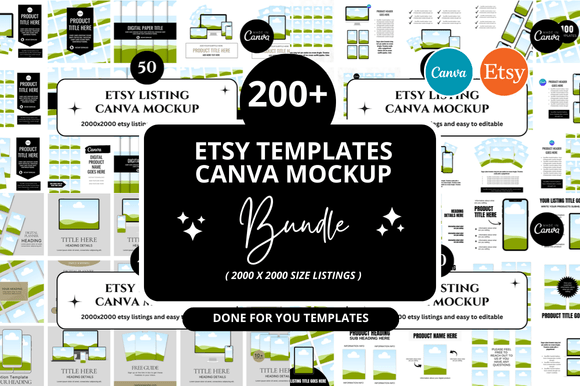
If you sell on Etsy, you already know how competitive the marketplace is. Whether you offer digital downloads, print-on-demand apparel, home decor, or custom stationery, your product photos are often the first thing a potential buyer notices. In a split second, a shopper decides whether to click, scroll, or buy. That is why mockups have become an essential tool for modern Etsy sellers. Among the many options available, the 260 Etsy Canva Mockup Bundle stands out as a comprehensive, beginner-friendly resource that helps you create professional-looking product visuals without hiring a designer or learning advanced software.
This article breaks down exactly what this bundle is, why it matters, how it fits into your Etsy workflow, and how you can use it to improve your listings, boost buyer trust, and save time. Whether you are just starting your shop or looking to refresh your branding, understanding how to leverage mockups effectively can make a real difference.
What Is a Mockup and Why Do Etsy Sellers Need Them?
A mockup is essentially a pre-designed template that places your artwork, design, or product image into a realistic setting. Instead of photographing a physical T-shirt or a framed print, you simply drag your design into a smart object layer, and the mockup generates a lifelike image for you. This approach is widely used in ecommerce because it saves the cost and hassle of professional photo shoots while still delivering high-quality visuals.
For Etsy sellers, mockups serve several critical purposes:
- Build buyer confidence: Shoppers want to see how a product looks in real life. A flat, isolated image of a digital file feels abstract, while a mockup showing the design on a mug, wall, or tote bag feels tangible.
- Save time and money: You do not need to order samples, set up lighting, or hire a photographer. With a good mockup bundle, you can create dozens of listing images in minutes.
- Maintain visual consistency: A cohesive set of mockups helps your shop look professional and curated, which builds trust with buyers and can improve conversion rates.
- Test new products quickly: Want to see if a new design works on a phone case? Drop it into a mockup and evaluate it before you invest in production.
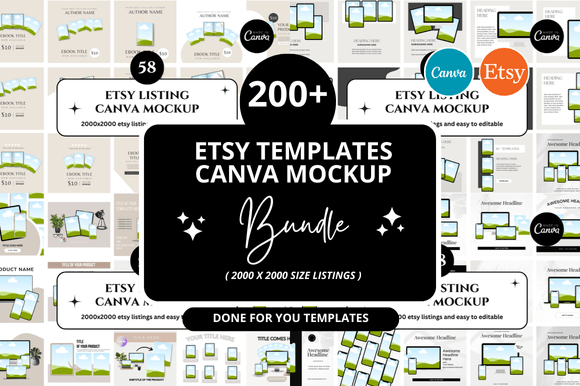
The 260 Etsy Canva Mockup Bundle takes this idea and scales it up. Instead of buying a single mockup template for one product type, you get a massive collection covering a wide range of items that Etsy sellers commonly list.
What Does the 260 Etsy Canva Mockup Bundle Include?
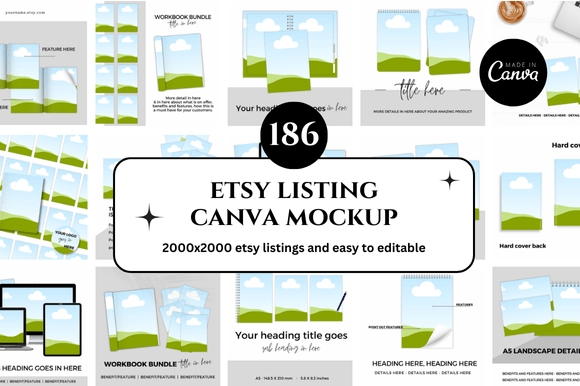
While the exact contents can vary slightly depending on the seller or version, a typical bundle of this size covers dozens of product categories. You will often find mockups for:
- Apparel: T-shirts, hoodies, sweatshirts, tank tops, baby onesies
- Home decor: Framed prints, canvas wall art, throw pillows, blankets, mugs
- Accessories: Tote bags, hats, phone cases, keychains, jewelry boxes
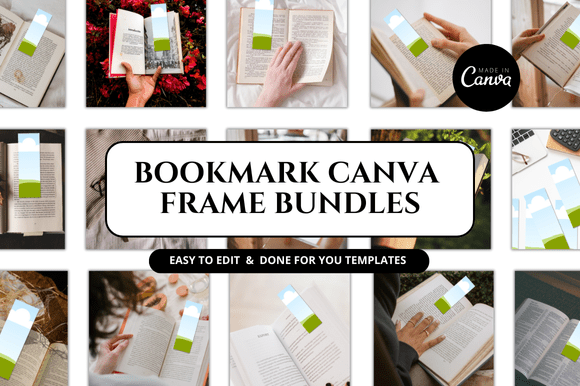
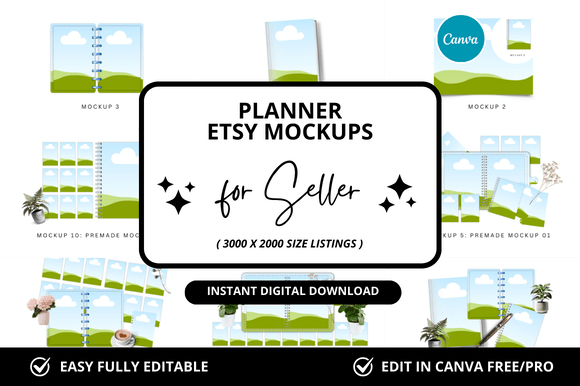
- Stationery: Notebooks, greeting cards, planners, stickers, gift tags
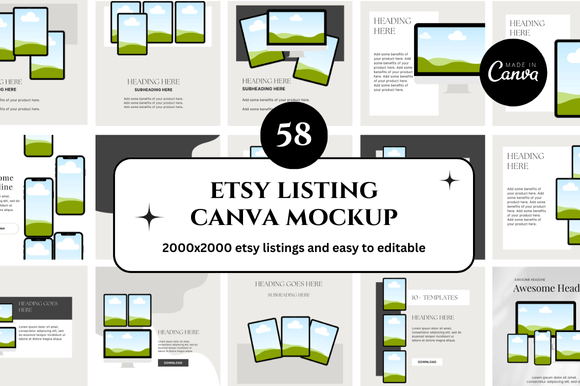
- Digital products: iPad and phone screen mockups for digital planners, wallpapers, or social media templates
Each mockup is designed to work directly inside Canva, a free and widely used graphic design platform. This is a major advantage because Canva is intuitive and requires no design experience. You simply upload your design, place it into the designated area within the Canva template, and export the final image. There is no need to learn Photoshop or any other complex software.
How the Bundle Fits Into Modern Etsy Business Practices
Selling on Etsy today is about more than just listing a product. Buyers expect a complete visual experience. They want to imagine the product in their own home or lifestyle. The 260 Etsy Canva Mockup Bundle helps you meet that expectation without overwhelming your workflow.
Listing Optimization for Search and Conversion
Etsy's search algorithm considers listing quality when ranking products. High-resolution images that show the product from multiple angles and in context tend to perform better. With 260 mockups at your disposal, you can easily create a diverse set of images for each listing: one hero image, a few lifestyle shots, and a close-up detail view. This variety signals to Etsy that your listing is complete and professional, which can improve visibility.
Brand Cohesion Across Your Shop
When all your listings use mockups with similar lighting, backgrounds, and styling, your shop feels like a cohesive brand rather than a random collection of items. The bundle typically includes mockups with clean, neutral backgrounds that work well together. This consistency helps shoppers recognize your brand and feel more confident in their purchase decision.
Seasonal and Promotional Flexibility
Many sellers update their shop for holidays, seasons, or special sales. With a large bundle, you can quickly swap out mockups to match a seasonal theme without redesigning everything from scratch. For example, you might use a winter-themed mug mockup for December and a bright outdoor scene for summer. This flexibility keeps your shop fresh and relevant.
Practical Examples of Using the Bundle
To understand how the 260 Etsy Canva Mockup Bundle works in practice, consider a few common scenarios:
Example 1: A Digital Planner Seller
You create and sell digital planners on Etsy. Instead of showing a flat screenshot of the PDF file, you use a mockup that places the planner on a desk next to a cup of coffee and a pen. You also add a mockup showing the planner open on an iPad. These lifestyle images help buyers visualize using the product in their daily routine, which increases the perceived value.
Example 2: A Print-on-Demand Apparel Shop
You sell T-shirts with custom designs. With the bundle, you can show the same design on a white T-shirt, a black hoodie, and a toddler onesie. Each mockup has realistic folds and lighting, so the buyer can see how the fabric drapes. This level of detail reduces uncertainty and returns.
Example 3: A Wall Art Shop
You sell printable wall art. Instead of just displaying the digital file, you use mockups that show the art framed in a modern living room, a cozy bedroom, and a gallery wall setting. Buyers can immediately picture how the artwork will look in their own space, making them more likely to purchase.
Clarifying Common Misunderstandings About Mockup Bundles
Even experienced sellers sometimes misunderstand what a mockup bundle can and cannot do. Here are a few clarifications that help set realistic expectations:
- Mockups are not magic. You still need a good design or product image to insert. The mockup enhances your design, but it cannot fix poor-quality artwork. Treat the mockup as a presentation tool, not a design crutch.
- You do not own the mockup scenes. Most bundles grant you a license to use the mockups for your products, but you typically cannot resell the mockup templates themselves or claim them as your own creative work. Always read the license terms provided with your purchase.
- Larger bundles require organization. With 260 mockups, you need a system to find what you need quickly. Many sellers create folders by product category or color scheme. Taking a few minutes to organize your bundle after purchase saves time later.
- Not every mockup will suit your brand. The variety is a strength, but you should be selective. Use the mockups that align with your shop's aesthetic rather than using every option available. Consistency still matters.
How to Get the Most Out of the Bundle
To truly benefit from the 260 Etsy Canva Mockup Bundle, treat it as a toolkit rather than a one-time resource. Here are some actionable strategies:
Learn Canva Basics First
If you are new to Canva, spend a few hours learning how to use layers, upload images, and adjust elements. The mockup bundle will be far easier to use once you understand how to resize designs and work with smart object placeholders. Canva offers free tutorials and templates that can help you get started.
Create a Mockup Library
After downloading the bundle, create folders in Canva or on your computer organized by product type. For example, "Apparel," "Home Decor," "Stationery," and "Digital." This organization lets you quickly find the right mockup when you are creating a new listing.
Batch Create Your Listing Images
Set aside a dedicated time each week or month to create images for multiple listings at once. Because the mockups are pre-made, you can swap designs in and out quickly. Batching this work reduces context switching and helps you maintain a consistent workflow.
Test Different Mockup Styles
Do not settle on one mockup style immediately. Experiment with different backgrounds, angles, and product variations to see which ones resonate with your buyers. You can track which images lead to more clicks and sales using Etsy's listing analytics.
Why the 260 Bundle Matters for Beginners and Experienced Sellers Alike
For a new Etsy seller, the barrier to entry is often about looking professional without a big budget. A bundle like this removes that barrier. For a few dollars, you get a complete visual toolkit that can elevate your shop from amateur to polished overnight. For experienced sellers, the bundle offers efficiency. Instead of hunting for individual mockups each time you launch a new product, you have a library ready to go.
Moreover, the integration with Canva means that you are not locked into any particular software. Canva is cloud-based, updated regularly, and accessible from any device. This flexibility is especially valuable for sellers who work on the go or collaborate with a team.
Final Thoughts: Building a Broader Understanding of Mockups in Etsy Success
The 260 Etsy Canva Mockup Bundle is more than just a collection of templates. It represents a shift in how independent sellers can compete in a crowded marketplace. By providing easy access to professional-grade visuals, it democratizes design and levels the playing field. You do not need a degree in graphic design or a large marketing budget to make your products look desirable. You just need the right tools and the willingness to learn.
As you grow your Etsy shop, keep in mind that mockups are one part of a larger strategy. Combine them with strong product descriptions, thoughtful pricing, excellent customer service, and consistent branding for the best results. But if you are looking for a single upgrade that can instantly improve how buyers perceive your products, investing in a high-quality mockup bundle is one of the smartest moves you can make.
Whether you sell digital downloads, handmade crafts, or print-on-demand merchandise, the 260 bundle gives you the visual foundation to present your work with confidence. Take the time to explore it, organize it, and use it well. Your shop—and your sales—will reflect the effort.